
Are You Paying for Software Your Business Has Outgrown?
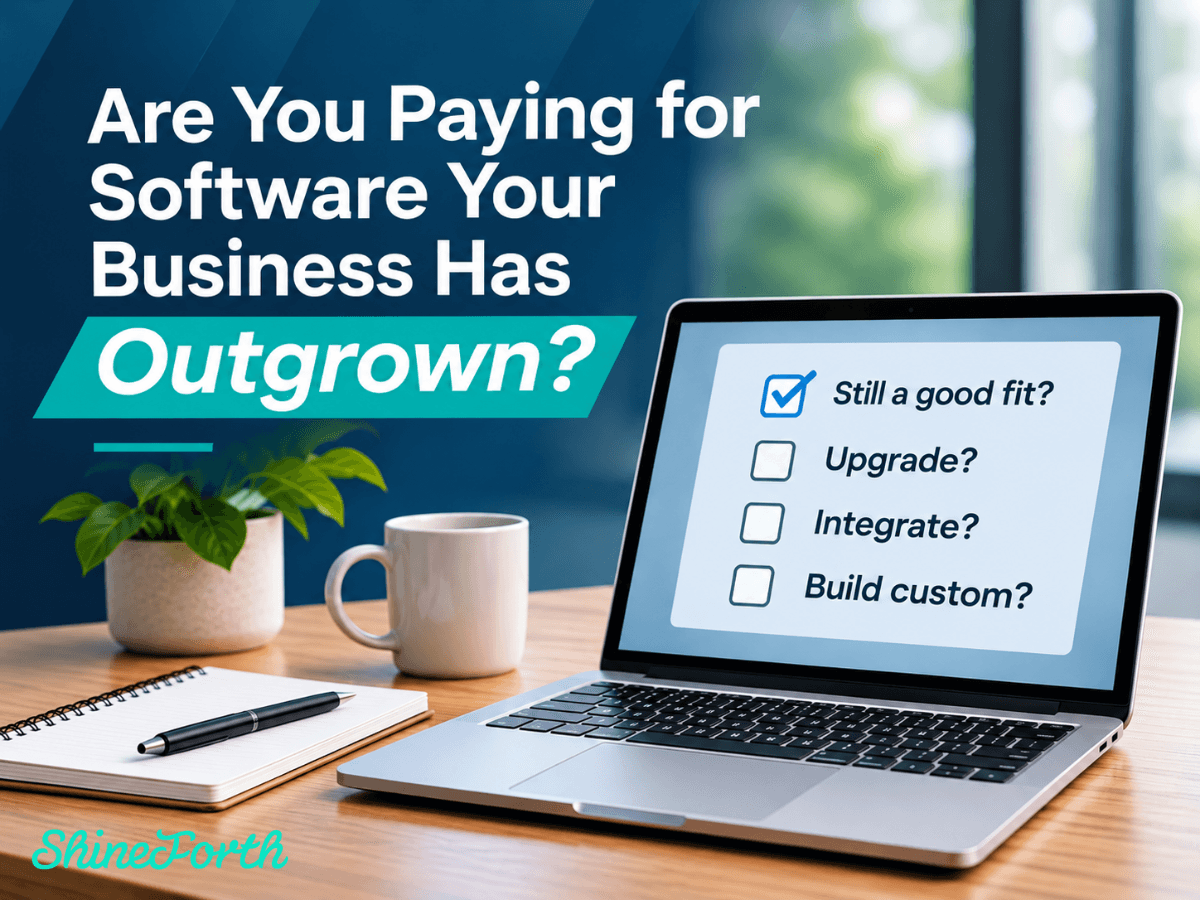
The software that helped your business succeed five years ago might not be the software that helps it grow tomorrow.
As businesses evolve, their technology needs change. Teams expand, processes become more complex, customer expectations shift, and new opportunities emerge. Yet many organizations continue relying on the same software systems they implemented years earlier.
At first, the limitations might seem minor. Employees develop workarounds, information gets transferred manually between systems, or certain tasks require a few extra steps. Over time, however, these small inefficiencies can become significant operational challenges.
The question isn't necessarily whether your current software still works. It's whether it's still working for your business.
Understanding when you've outgrown your technology, and what to do next, can help you make smarter investments that support long-term growth.
1. The Warning Signs You've Outgrown Your Software
Outgrowing software doesn't always mean a system is outdated or broken. Sometimes, it simply means your business has evolved beyond what the technology was originally designed to support.
Some common warning signs include:
- Too many manual workarounds: Employees regularly export spreadsheets, duplicate information, or complete tasks outside the system because it can't accommodate existing workflows.
- Disconnected platforms: Critical business information lives across multiple applications that don't communicate effectively.
- Limited flexibility: Your team struggles to modify workflows, introduce new services, or accommodate changing business requirements.
- Growing maintenance challenges: Updates, compatibility issues, or unsupported features require increasing attention.
- Difficulty accessing information: Reporting is limited, data is inconsistent, or teams can't easily access the insights they need.
- Frustrated employees or customers: Technology creates unnecessary obstacles rather than supporting a smooth experience.
Individually, these issues may seem manageable. Together, they can indicate that your current technology is no longer aligned with how your business operates.
2. The Hidden Cost of Keeping Systems That No Longer Fit
When evaluating software costs, businesses often focus on subscription fees, licensing expenses, or the price of implementing something new.
But the true cost of software extends beyond what appears on an invoice.
Consider a team that spends several hours each week manually transferring information between platforms. Or an organization that relies on spreadsheets to manage processes its software can't support.
Those activities require employee time, introduce opportunities for error, and make it more difficult to maintain consistent information.
There are also less obvious costs.
A system that can't accommodate new workflows may limit operational flexibility. Outdated integrations can create reliability concerns. Limited reporting capabilities can make it harder for leadership to make informed decisions.
And when employees must continually work around technology limitations, those workarounds can eventually become part of the organization's standard operating procedures.
The biggest expense isn't always the software itself. Sometimes, it's the work required to operate around its limitations.
Recognizing these costs is an important first step toward determining whether your technology needs to change.
3. Should You Upgrade, Integrate, or Build Something New?
Discovering that your software no longer meets your needs doesn't automatically mean you need to replace it.
In many cases, the most practical solution is to improve what you already have.
The right approach depends on your existing systems, business requirements, budget, and long-term objectives.
Option 1: Upgrade Your Existing Software
Before investing in an entirely new platform, it's worth evaluating whether your current software offers capabilities you aren't fully utilizing.
New features, configuration changes, updated versions, or additional modules may address some of your organization's challenges.
An upgrade can make sense when the underlying platform still supports your business but needs adjustments to accommodate evolving requirements.
However, upgrading may not resolve limitations built into the software's core architecture or functionality.
Option 2: Integrate Your Existing Systems
Sometimes, the problem isn't that individual applications are inadequate. It's that they don't work well together.
For example, a business might use separate platforms for customer management, scheduling, invoicing, and reporting. Each application may perform its intended function effectively, but employees still need to transfer information between them manually.
A software integration can help connect those systems, allowing information to move between applications according to established business rules.
This approach can improve data consistency, support existing workflows, and reduce the need for duplicate data entry without replacing every platform.
Integrations still require careful planning, development, testing, and ongoing maintenance. But when existing applications remain valuable, connecting them may be a practical alternative to a complete system replacement.
Option 3: Invest in Custom Software Development
There are situations where off-the-shelf software simply cannot accommodate a business's unique processes or requirements.
Perhaps your organization has a specialized operational workflow, complex customer experience, or business model that existing platforms weren't designed to support.
In these cases, custom software development may provide a better long-term solution.
Custom applications can be designed around specific business requirements, integrate with existing systems, and evolve as organizational needs change.
However, custom development is an investment that requires thoughtful planning, ongoing support, and clear business objectives.
The goal shouldn't be to build something custom simply because it's possible. It should be to create a solution that addresses a meaningful business need that existing tools cannot adequately meet.
4. Don't Let Familiarity Determine Your Technology Strategy
One reason businesses continue using software they've outgrown is familiarity.
Employees understand the system, leadership knows what to expect, and replacing or modifying established technology can feel disruptive.
That hesitation is understandable.
Technology changes affect more than the applications themselves. They influence employee workflows, training requirements, customer experiences, and daily operations.
But familiarity shouldn't be the only factor guiding technology decisions.
A system may feel comfortable because employees have spent years learning how to navigate its limitations.
Before deciding to maintain the status quo, businesses should evaluate whether existing processes are genuinely effective or simply familiar.
This doesn't mean every older system needs to be replaced. In fact, maintaining a stable, reliable platform may be the best decision when it continues to meet business needs.
The key is making that decision intentionally rather than allowing outdated processes to dictate future growth.
5. Build a Technology Strategy That Supports Growth
Whether you're upgrading an application, integrating existing platforms, or exploring custom development, successful technology decisions begin with understanding where your business is today and where it needs to go.
Before making a significant investment, consider the following questions:
- What challenges are we experiencing? Identify specific limitations rather than assuming a new platform will solve every problem.
- Which processes are most affected? Focus on workflows that have the greatest impact on employees, customers, or operations.
- Can our existing technology be improved? Evaluate configuration changes, upgrades, and integrations before considering replacement.
- What will our business need in the next few years? Consider expected growth, operational changes, and future requirements without overbuilding for hypothetical scenarios.
- How will we support the solution long-term? Account for maintenance, security, updates, and continued improvements as your business evolves.
A thoughtful technology strategy doesn't require changing everything at once.
In many cases, incremental improvements can address immediate challenges while creating a foundation for future development.
The important part is having a clear direction and making investments that align with your business priorities.
6. Technology Should Evolve Alongside Your Business
Software isn't something businesses should implement once and never revisit.
As operations change, customer expectations evolve, and new technologies emerge, organizations should periodically evaluate whether their systems continue to support their goals.
That doesn't mean constantly adopting new platforms or replacing tools simply because newer alternatives exist.
It means recognizing when technology is creating limitations and being willing to explore better approaches.
Sometimes, the answer is a relatively straightforward update. Other times, it involves connecting existing applications, modernizing aging infrastructure, or developing a custom solution.
The best technology investment isn't always the newest software. It's the solution that makes the most sense for your business.
At ShineForth, we help businesses evaluate, develop, integrate, and maintain technology that supports their evolving needs. From improving existing applications to building custom software solutions, our team focuses on understanding the business challenges behind each project.
Whether your current systems need a few improvements or a more comprehensive approach, we're here to help you identify practical solutions that support long-term growth.
Is your technology keeping up with your business? Connect with ShineForth to discuss your current systems and explore what's possible.