
The Hidden Work Behind a “Simple” Software Integration
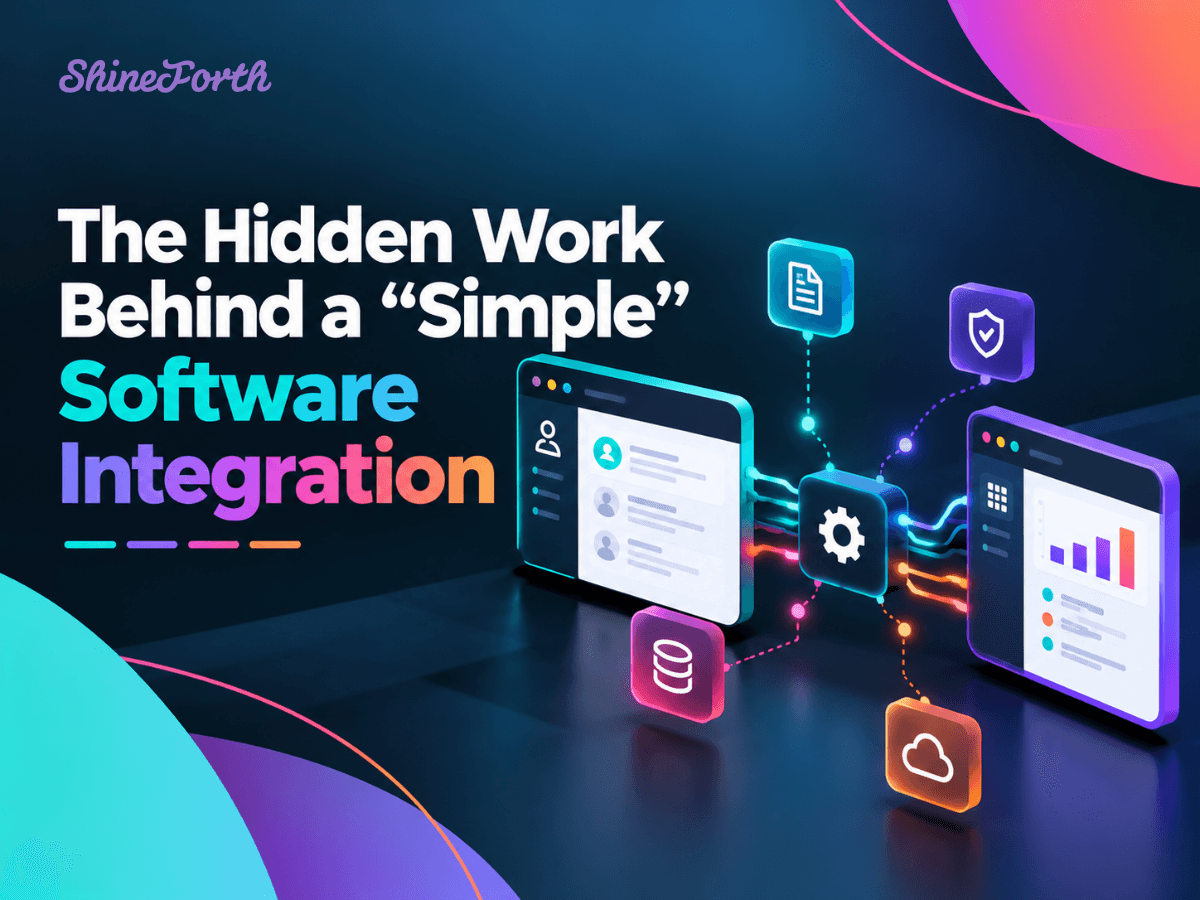
Connecting two software platforms sounds simple enough. One system has the information, another system needs it, and an integration brings everything together. But behind what appears to be a straightforward connection is often a complex process involving data, security, business rules, and ongoing maintenance.
As businesses rely on more digital tools to manage daily operations, software integrations have become essential for improving efficiency and eliminating repetitive work. However, building a reliable integration requires more than getting two applications to communicate.
Understanding what happens behind the scenes can help businesses make better technology decisions and avoid costly surprises.
1. Not All Systems Speak the Same Language
Every software platform is built differently. Even when two applications offer APIs (Application Programming Interfaces), they may organize, store, and exchange information in completely different ways.
For example, a customer record in one system might contain different fields, naming conventions, or formatting requirements than a record in another.
Developers must determine how information should move between platforms, translate data into compatible formats, and account for differences in how each system operates.
Without proper planning, even a basic integration can create incomplete records, duplicate information, or unexpected errors.
2. Data Mapping Is More Complicated Than It Looks
One of the most important steps in software integration is data mapping, which determines how information from one system corresponds to information in another.
Consider connecting a CRM to a project management platform. A new customer might need to trigger a project, assign a team member, populate contact details, and establish specific workflows.
Each of those actions requires clearly defined rules.
What happens if a required field is missing? What if the customer already exists? Which system should be considered the source of truth?
These decisions may seem minor, but they directly affect the accuracy and reliability of the integration.
3. Security and Authentication Matter
When applications exchange information, security must be a priority.
Integrations often require authentication credentials, API keys, or secure authorization methods to access data. Developers must ensure that these connections are properly configured and that each system receives only the permissions it needs.
Sensitive business and customer information must also be protected as it moves between platforms.
A reliable integration considers secure data transmission, access controls, credential management, and how the connection will respond when permissions or authentication requirements change.
4. What Happens When Something Goes Wrong?
A successful integration isn't just one that works under ideal conditions. It's one that can handle unexpected situations.
APIs can become temporarily unavailable. Requests may time out. Data might arrive in an unexpected format, or a platform may limit how frequently information can be exchanged.
Without proper error handling, these issues can interrupt workflows or cause information to go missing.
Well-designed integrations include monitoring, logging, retries, and safeguards to identify problems and recover when possible.
These behind-the-scenes features may not be visible to employees, but they make a significant difference in long-term reliability.
5. Integrations Require Ongoing Maintenance
Software platforms are constantly evolving. Providers release updates, change APIs, introduce new security requirements, and occasionally discontinue older functionality.
An integration that works perfectly today may need adjustments in the future.
Ongoing maintenance helps ensure that connected systems continue exchanging information accurately and securely as technology and business requirements change.
Businesses should plan for integration support just as they would for any other important software application.
The Value of Getting Integrations Right
When designed thoughtfully, software integrations can eliminate duplicate data entry, improve reporting, reduce manual processes, and give teams better access to the information they need.
They can also create opportunities for automation that would otherwise be difficult to achieve.
The key is understanding that a reliable integration involves more than connecting two APIs. It requires careful planning, development, testing, and long-term support.
At ShineForth, we help businesses connect their existing platforms, streamline workflows, and develop custom integrations that support their operations. Whether connecting a CRM, automating data transfers, or building more complex systems, our focus is on creating dependable solutions that work as your business evolves.
Tired of disconnected systems and manual workarounds? Book a quick call with ShineForth to discuss how custom integrations could help your technology work better together.